

WinSpirit App 2026
Android: Open Chrome → Visit winspirit.com → Menu → Install App
18+ (19+ QC/MB/NB/NL/NS/PEI/SK). T&Cs apply. WinSpirit NOT available in Ontario. Install through official URL only — do NOT use third-party APK sites.
WinSpirit Casino App — Quick Facts
WinSpirit App Quick Verdict
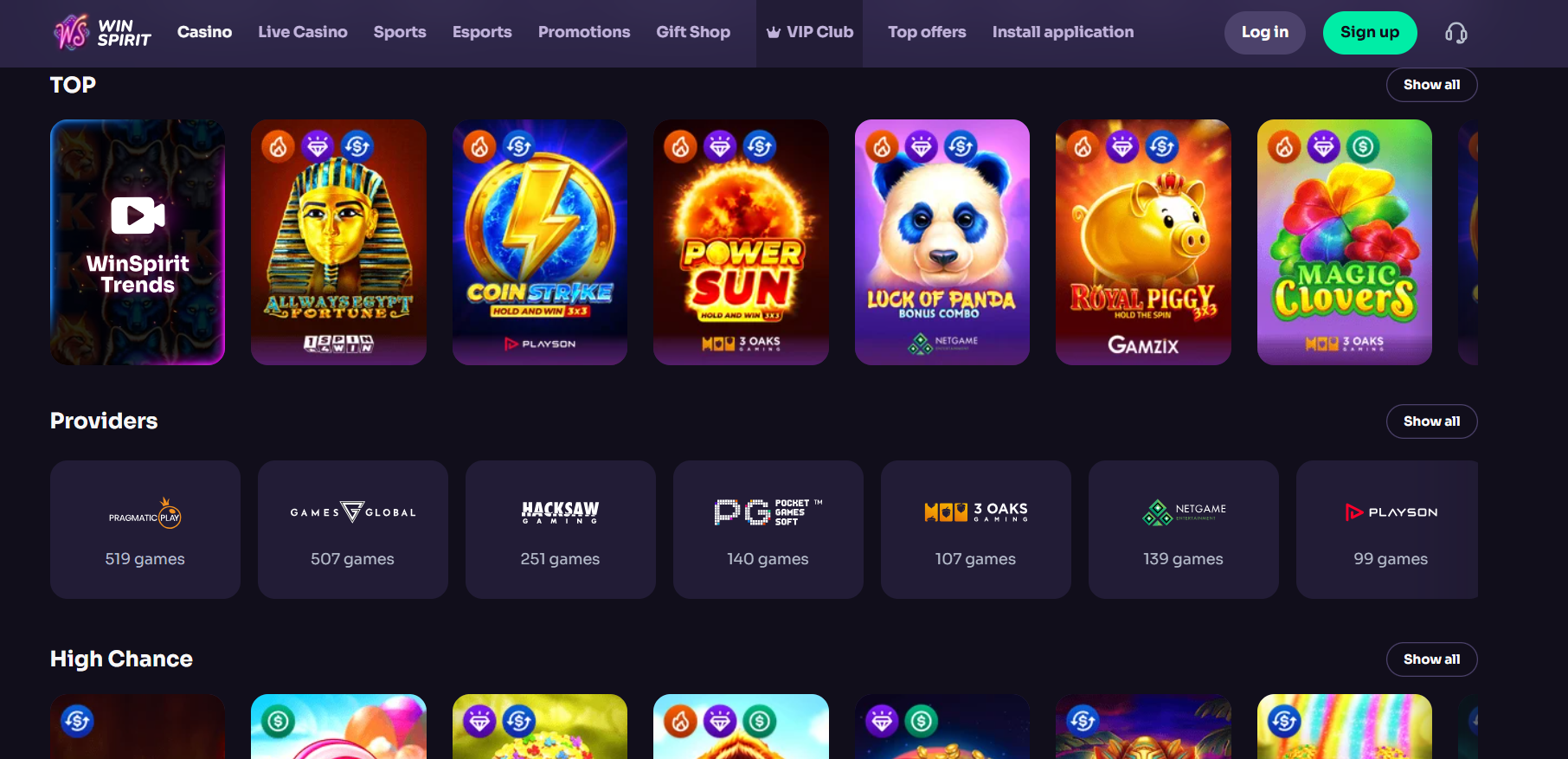
The WinSpirit casino app does not exist as a native application in Google Play or the App Store — this is standard across offshore-licensed gambling platforms and reflects app store policies on real-money gambling. What WinSpirit provides instead is a Progressive Web App (PWA): a browser-based application that installs as a home screen icon, runs independently of the browser once installed, and delivers the majority of benefits associated with a native app.
Main PWA advantages: Zero storage space on your device (browser cache only, ~50 MB), always up-to-date automatically, biometric login (Face ID on iPhone, Fingerprint on Android), Apple Pay and Google Pay for instant one-tap deposits, full 7,000+ game library identical to desktop, and 20 Free Spins credited automatically when you install.
Trade-offs to acknowledge: Manual install process through browser (not one-tap from an app store), iOS push notifications are limited compared to Android (Apple's PWA restrictions), and first-time users may need to switch from Chrome to Safari on iPhone to complete installation.
How to Install — iOS & Android Step-by-Step
📱 iPhone (iOS)
Use Safari — the PWA install function does NOT work in Chrome or Firefox on iOS.
- 1Open Safari on your iPhone or iPad (iOS 13.0 or later)
- 2Navigate to winspirit.com and log in (or register)
- 3Tap the Share button ↗ at the bottom of Safari
- 4Scroll and tap "Add to Home Screen"
- 5Confirm the name and tap "Add" in the top-right corner
- 6Open the WinSpirit icon from your home screen — full-screen mode launches
- 7Go to Profile → Bonuses to claim your 20 Free Spins install bonus
- 8Optional: Enable Face ID at Profile → Security → Biometric Login
iOS requirements: iOS 13.0 minimum (iPhone 6s+). iOS 15.0+ recommended.
🤖 Android
Use Chrome, Samsung Internet, or Microsoft Edge. The Google Play Store does NOT carry WinSpirit Casino.
- 1Open Chrome on your Android device
- 2Navigate to winspirit.com
- 3Log in to your account (or register a new one)
- 4Tap the three-dot menu ⋮ in the top-right corner
- 5Select "Install the WinSpirit Casino App" or "Add to Home Screen"
- 6Tap "Install" in the confirmation dialog
- 7Open the app from your home screen
- 8Go to Profile → Bonuses to claim your 20 Free Spins install bonus
Android requirements: Android 7.0 or later. Minimum 1 GB RAM. 50 MB free storage.
System Requirements & Compatibility
| Platform | Minimum Version | Recommended | Browser Required |
|---|---|---|---|
| iOS (iPhone/iPad) | iOS 13.0 (iPhone 6s+, iPad 5th gen+) | iOS 15+ | Safari only |
| Android | Android 7.0 | Android 10+ | Chrome, Samsung Internet, or Edge |
| RAM | 1 GB | 2 GB+ | — |
| Storage | 50 MB (cache) | — | — |
| Internet | 3G minimum | 4G / 5G / Wi-Fi | — |
Browsers that DO work: Safari (iOS — required for iOS PWA install), Chrome (Android — primary), Samsung Internet (Android), Microsoft Edge (Android).
Browsers that DO NOT work for PWA install: Firefox on iOS, Internet Explorer, any non-Safari browser on iOS for the install function.
Games Available in the WinSpirit Mobile App
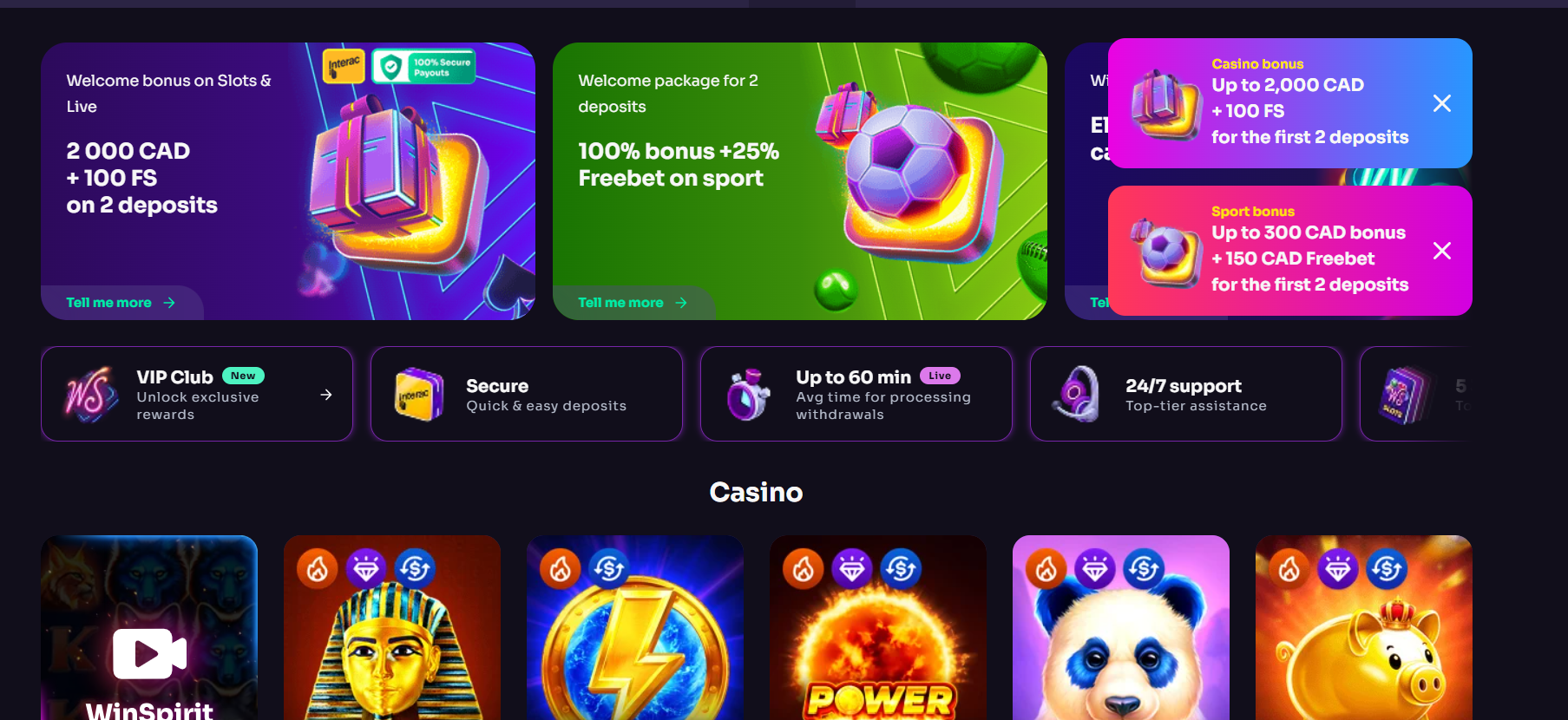
One of the genuine strengths of the WinSpirit PWA is that it delivers essentially the same game library as the desktop version.
- Slots (7,000+ titles): Wild Cash, Wild Cash x9990 (BGaming), Book of Gold, Book of Egypt (Playson), Coin Strike Hold and Win, Lady Wolf Moon, Sun of Egypt 2, Aztec Magic, Lucky Bandits, Wolf Treasure, and thousands more.
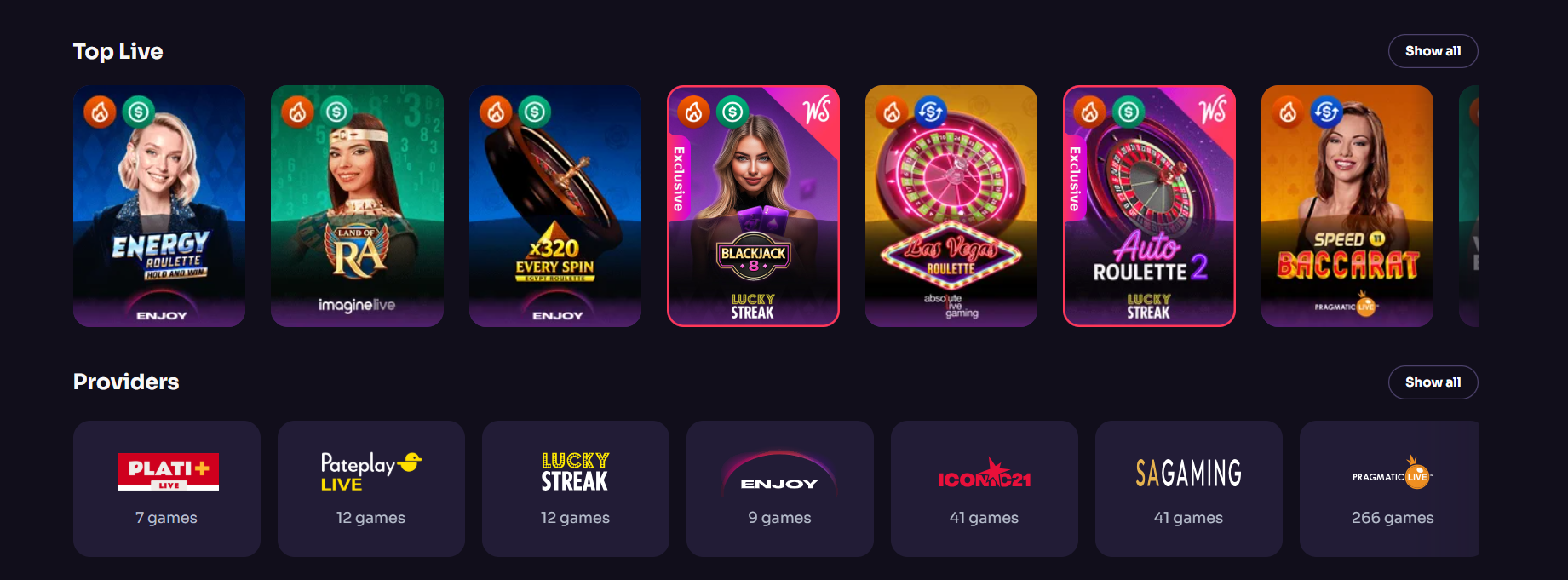
- Live Casino (700+ tables): Crazy Time, Lightning Roulette, Monopoly Live, Unlimited Blackjack, Lightning Baccarat — fully playable on mobile with HD streaming.
- Sportsbook: Full pre-match and in-play betting on football, basketball, tennis, esports, MMA, hockey, baseball, and more.
- Crash Games: Aviator (Spribe), JetX, and Spaceman — all optimized for mobile play.
- Bingo: 25 titles including Super Hot Bingo, Chocolate Planet, and Canada Bingo.
Bonuses Available in the WinSpirit Mobile App
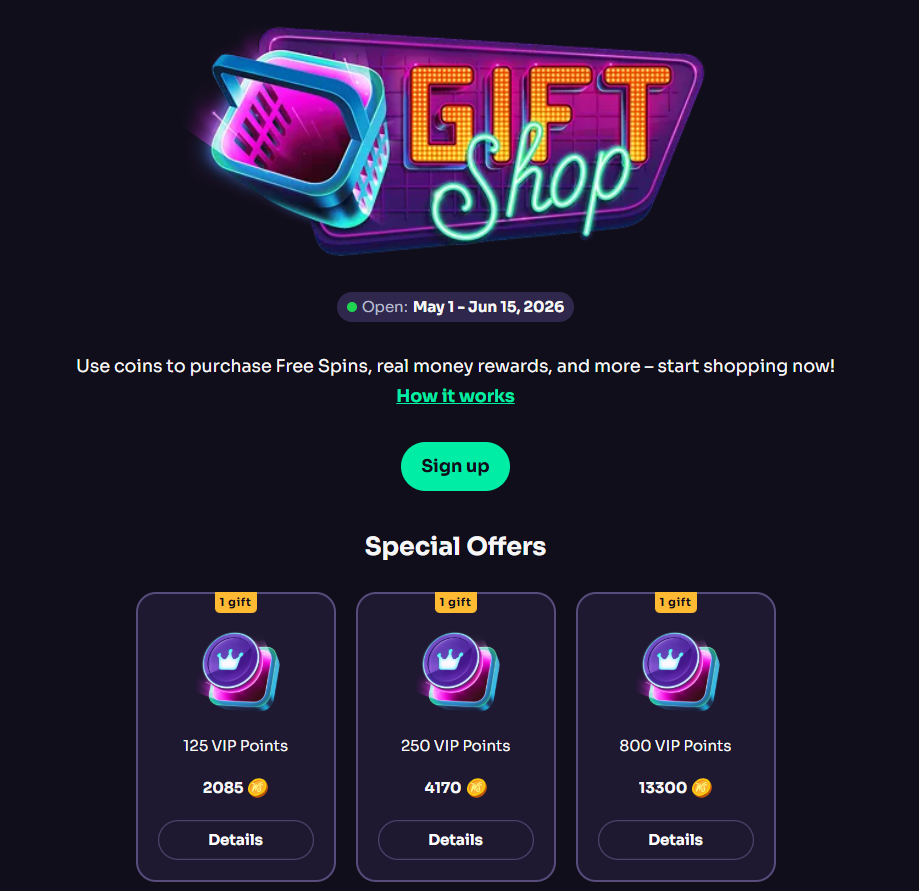
All WinSpirit bonuses available on desktop are fully accessible through the PWA:
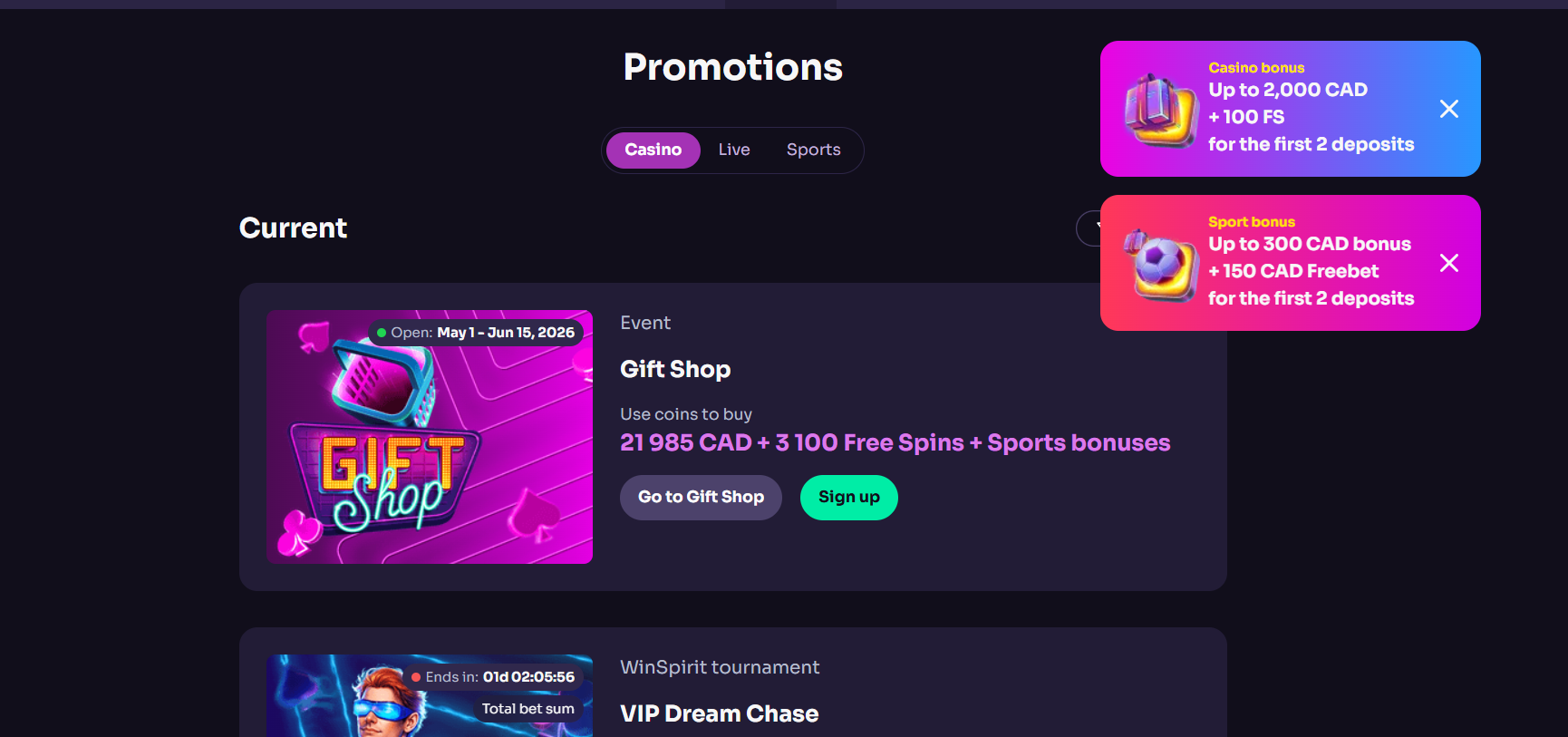
- Casino Welcome Bonus (C$2,000 + 100 FS): Works identically on mobile. Make your qualifying deposit through the Cashier in the app.
- Sport Welcome Bonus (C$300 + C$150 free bet): Available through the sportsbook section of the mobile app.
- Mobile-Exclusive Bonus — 20 Free Spins at Install: No deposit required. Spin value: $0.10. Wagering: 40x on winnings. Maximum win: €50. Check Profile → Bonuses after installing.
- 20 FS for Review: Via support bot (Headphones/Chat icon → "Gift For Review"). Processed within the mobile interface.
Install WinSpirit PWA & Get 20 Free Spins
No deposit required — just install the app and log in
▶ Install WinSpirit PWA + Claim 20 Free SpinsMobile Browser vs PWA — Which Should You Use?
| Feature | Mobile Browser | WinSpirit PWA |
|---|---|---|
| Login speed | Requires email + password each time | Biometric (Face ID / Fingerprint) |
| Push notifications | ❌ | ✅ Android / Limited iOS |
| Biometric auth | ❌ | ✅ |
| Storage used | Session cache only | ~50 MB persistent cache |
| App updates | Automatic | Automatic |
| Live chat access | ✅ | ✅ |
| Can use on borrowed device | ✅ No install needed | Requires install |
Recommendation: For regular players, the PWA is clearly superior — faster login, biometric security, and push alerts for withdrawals. The mobile browser version remains better when playing on someone else's device or a public terminal.
Pros & Cons of the WinSpirit PWA
✅ Pros
- Zero native storage — only ~50 MB browser cache
- Auto-updates — always latest version
- Face ID / Fingerprint biometric login
- Apple Pay / Google Pay instant deposits
- Full 7,000+ game library
- Push notifications on Android
- 20 Free Spins at install (no deposit)
- Single sign-on — stays logged in
❌ Cons
- Not in App Store or Google Play (manual install)
- iOS push notifications limited (especially iOS <16.4)
- Must use Safari on iOS — Chrome does not support PWA install
- Requires ~50 MB free storage for cache
Troubleshooting — WinSpirit PWA Not Working
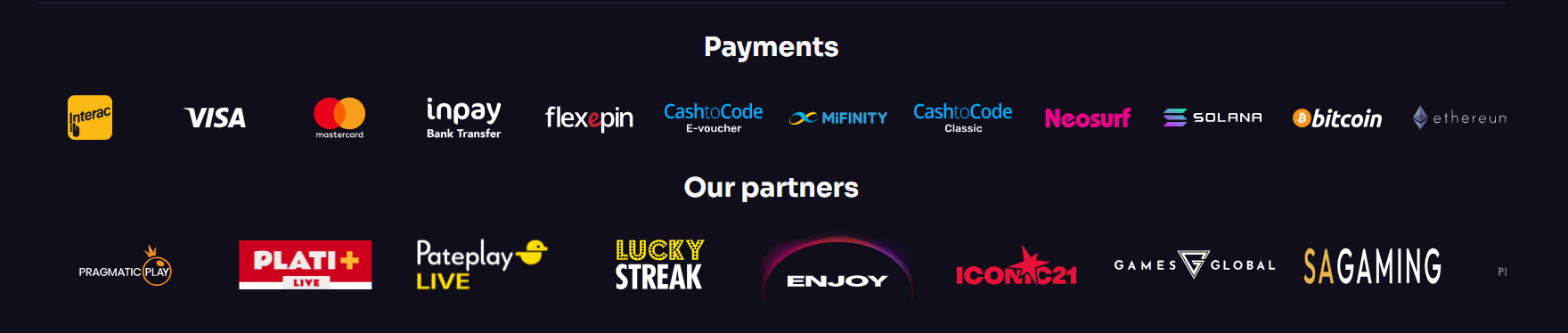
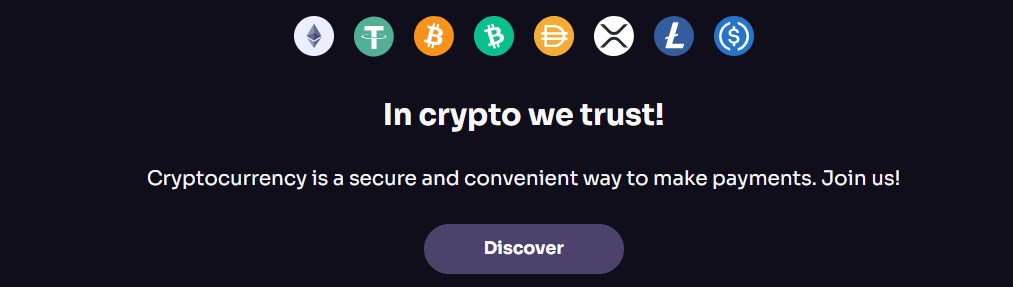
Tip: Using crypto (BTC, ETH, USDT) in the PWA gives you the fastest deposit confirmation and the quickest withdrawal processing — 1–24 hours. Payments go through the same Cashier as on desktop.
"Add to Home Screen" does not appear in Safari (iOS)
This usually means you are using a non-Safari browser. Switch to Safari. If already in Safari: Settings → Safari → Clear History and Website Data, then restart and retry. Ensure iOS 13.0 or later is installed.
PWA does not launch on Android
Open Chrome Settings → Privacy and Security → Clear Browsing Data (cache + cookies). Reinstall the PWA by revisiting winspirit.com → Chrome menu → Install App.
Biometric login not working
Go to Profile → Security → Biometric Login and toggle it off, then on again. Ensure Face ID / Fingerprint is enabled at the OS level in your phone's Settings → Face ID & Passcode (iOS) or Settings → Biometrics (Android).
20 FS install bonus not credited
After installation, open the PWA and log in. Navigate to Profile → Bonuses. If spins are not present after 5 minutes, contact live chat support (24/7). Reference: "PWA install bonus not credited."
Push notifications not arriving (Android)
Go to Settings → Apps → WinSpirit (the PWA) → Notifications. Ensure notifications are enabled. If WinSpirit doesn't appear in app settings, reinstall it.
For any unresolved issues: Live chat 24/7 within the app, or email [email protected].
Frequently Asked Questions — WinSpirit App
Is the WinSpirit app safe?
Yes — when installed through the official PWA method via winspirit.com in Safari (iOS) or Chrome (Android). The PWA runs in an encrypted browser environment. Do not download APK files from third-party sites.
Is the WinSpirit app on Google Play?
No. WinSpirit's real-money casino product is NOT available on Google Play. Note: there is a free-to-play "WinSpirit casino" slot game on Google Play (com.nvizopalryi.mcaqpolinys) — this has no connection to your winspirit.com real-money account.
Is the WinSpirit app on the App Store?
No. Apple's App Store does not list the WinSpirit Casino app. The official method is PWA installation through Safari.
Do I get a bonus for installing the WinSpirit app?
Yes. You receive 20 Free Spins (no deposit) automatically after installing the PWA and logging in. Spin value: $0.10. Wagering: 40x on winnings. Maximum win: €50.
Can I install WinSpirit on iPhone?
Yes. Open Safari → Go to winspirit.com → Tap Share → Add to Home Screen → Add. Works on iPhone 6s and newer running iOS 13.0+.
Can I install WinSpirit on Android?
Yes. Open Chrome → Go to winspirit.com → Tap Menu (⋮) → Install the WinSpirit Casino App. Works on Android 7.0 and newer.
Will the WinSpirit PWA work in Ontario?
No. WinSpirit Casino is not available to Ontario residents regardless of platform — desktop, mobile browser, or PWA. The operator does not hold an AGCO / iGaming Ontario licence.
Final Verdict — WinSpirit App Review 2026
Install WinSpirit PWA + Claim 20 Free Spins
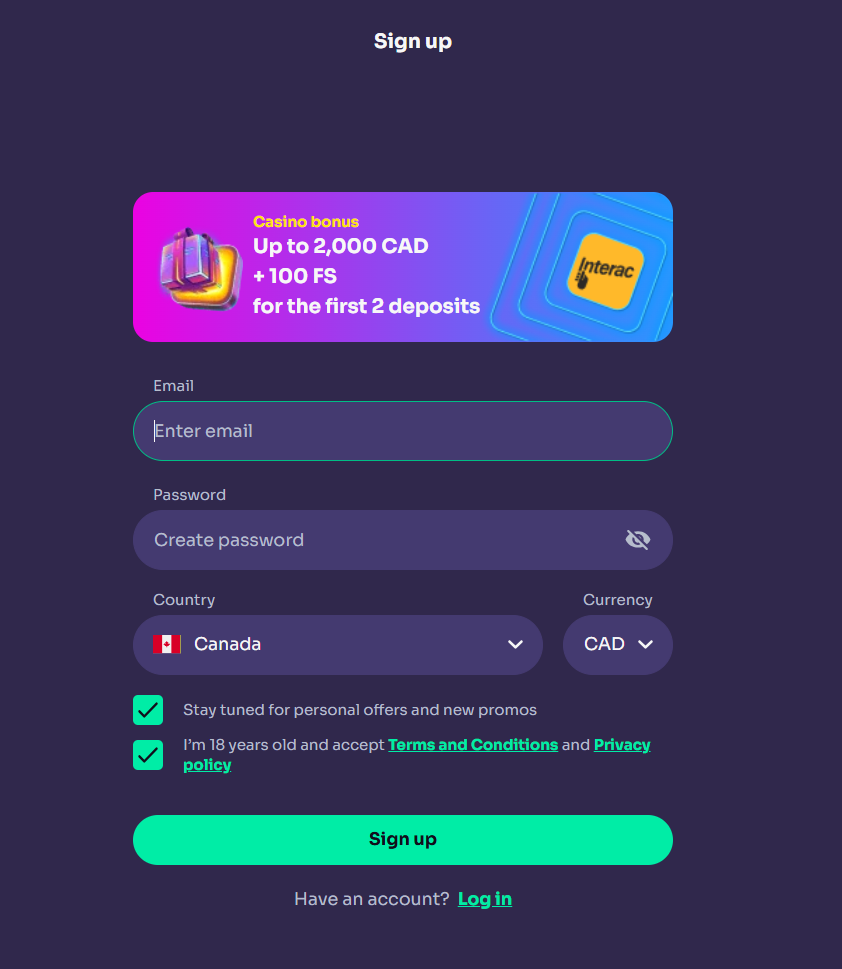
Free to install · No deposit required for the install bonus · Full 7,000+ game library
▶ Install WinSpirit PWA + Claim 20 Free SpinsPage last updated: May 2026 | Tested on iPhone 15 Pro (iOS 17.4) and Samsung Galaxy S24+ (Android 14)